
Already have a Sapphire Account and need to enroll a new student?
IF YOU DO NOT REMEMBER YOUR CREDENTIALS OR NEED ASSISTANCE, PLEASE CONTACT JENNIFER CATALDI – jcataldi@seal-pa.org
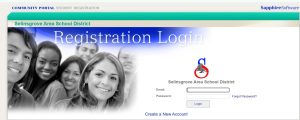
Log into your account here
**NOTES****NOTES****NOTES****NOTES****NOTES****NOTES****NOTES**
- Please be sure to indicate if the student was previously enrolled at Selinsgrove Area School District
- Directions found on the Welcome screen are to assist you with a smooth completion of all steps and submission!
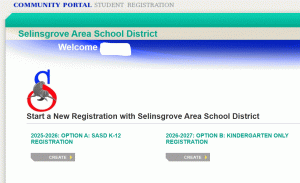
- If you have more than one student you are registering, return to the landing page and select the correct option to complete for each additional student.
Need a Sapphire Account and need to enroll a new student?
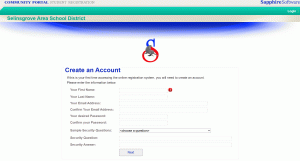
Step Four: You will receive a registration confirmation when successfully submitted.
Step Five: Sapphire Community Portal is the district notification and communication system where you will receive grades, attendance, assignments, as well as communication regarding the required data verification forms that will need completed and can be found in your student “backpack”. This tool will allow you as the parent/guardian to manage your student’s academic portfolio while here at Selinsgrove Area School District. Please follow the link found below this picture.
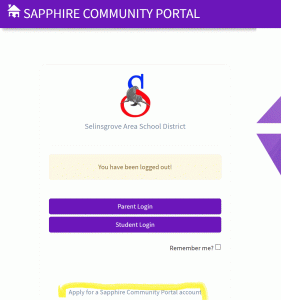
As highlighted in the picture above, complete the “Apply for a Sapphire Community Portal account” – here.